Rooftop Golden Sunset – Chai Aesthetic
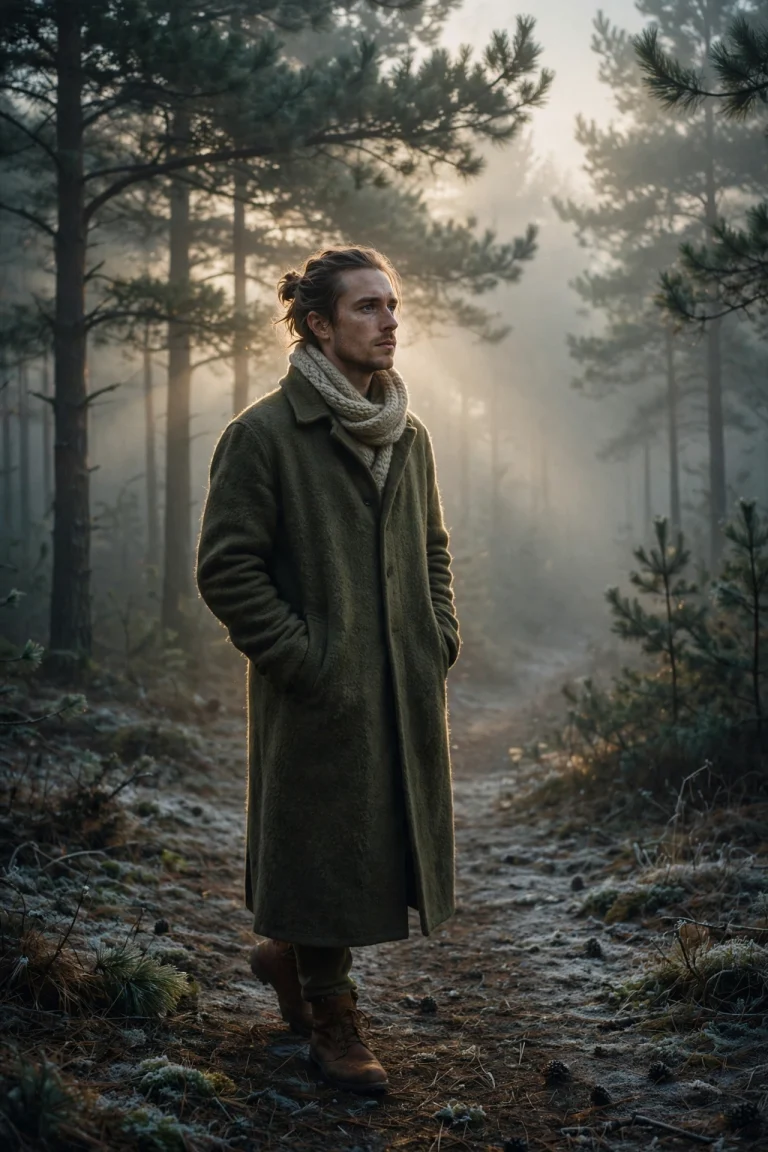
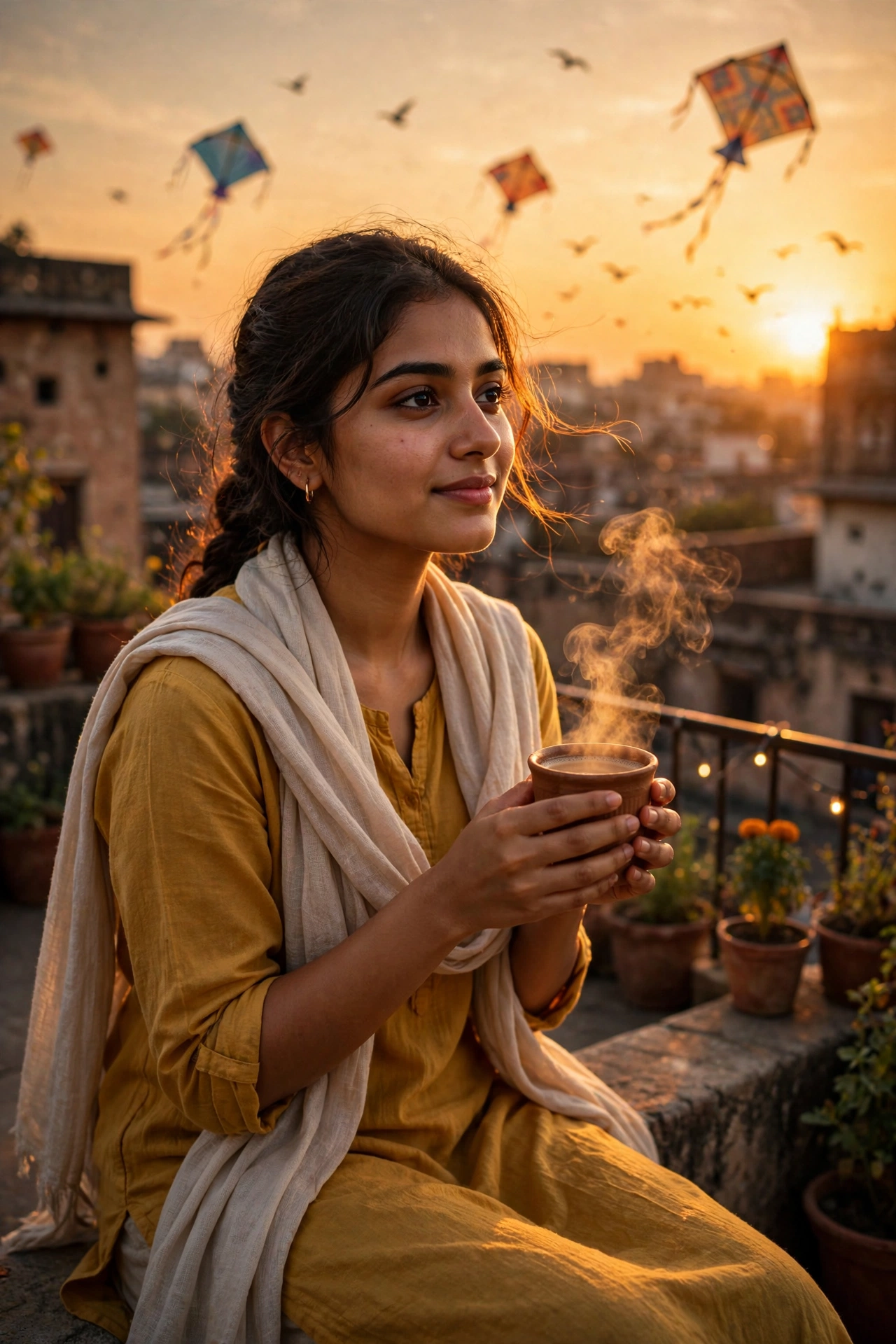
There is something about evening chai on a rooftop that just hits different. The sun going down, kites in the sky, that first sip from a hot kulhad — it is the kind of moment every desi kid grew up with. This prompt turns that feeling into a photo. It takes your selfie and places you on a traditional rooftop at golden hour, clay cup in both hands, warm light on your face, old city rooftops and fairy lights behind you. If you post lifestyle content, run an aesthetic page, or just want a profile picture that feels warm and real, this one is for you. It works for men and women, and the result looks like a candid shot from a perfect evening. If moody blues are more your thing than golden hour, the misty pine forest portrait is worth a look too.
🖼️ Example Result
📋 Copy the Prompt
Use the uploaded photo as the strict identity reference. Keep the face, features, skin tone and hairstyle exactly the same — no changes to identity.

Create an ultra-realistic lifestyle photo (4:5) of the person sitting on the low wall of a traditional rooftop at golden hour, holding a clay cup (kulhad) of steaming chai with both hands, smiling softly while looking at the sunset.

Outfit: a simple mustard-yellow cotton kurta with rolled-up sleeves and a light cotton shawl on the shoulders.

Environment: old city rooftops in the background, colourful kites flying in the orange sky, potted plants and a small string of fairy lights on the railing, a few birds silhouetted against the sun.

Lighting: warm low sunlight from behind creating a golden rim light on the hair and shoulders, soft bounce light on the face, visible steam glowing in the sunlight.

Camera: 50mm lens, f/1.8, shallow depth of field, slightly side angle.

Style: warm nostalgic desi aesthetic, golden and orange tones, soft film grain, natural skin texture, 4K. No text, no watermark.
🛠️ How to Use This Prompt
Using this prompt takes about two minutes. Copy it from the box above, open your AI app, upload your photo, and send. Here is the detailed walkthrough for both apps.
On Google Gemini:
- Go to gemini.google.com on your phone or laptop and sign in with your Google account.
- Tap the + button (bottom left on mobile, bottom of the chat box on desktop) and upload a clear, front-facing photo of yourself. Pick one taken in daylight: no sunglasses, no heavy filters, your whole face visible.
- Paste the copied prompt into the chat box and hit send.
- Wait a few seconds while Gemini generates your rooftop photo. If you like it, tap the image to download it in full size.
On ChatGPT:
- Open chat.openai.com or the ChatGPT app and sign in.
- Tap the + or paperclip button, upload your photo, then paste the prompt into the message box and send.
- ChatGPT’s image model is strong with scenes like this, so the first result is usually good.
Photo tips: Your input photo matters more than anything else. A sharp selfie taken in natural light, looking straight at the camera, gives the AI the cleanest reference for your face. Group photos, side profiles, and heavily filtered pictures lead to faces that do not look like you.
If the face changes or the result looks off: First, try a different input photo — a straight-on daylight selfie fixes most face issues. If the background looks strange (melting kites, odd hands), just hit regenerate; every generation is a fresh roll of the dice. You can also nudge the prompt: add “softer sunset tones” if the sky looks too orange, or “clean simple background” if the rooftop feels cluttered.
How to iterate: Change one line at a time. Swap the kulhad for a coffee mug, regenerate, and compare. Then try removing the kites. One change per generation tells you exactly what each line does, and within a few tries you will have the photo dialled in.
💡 Tips for Best Results
- Use a daylight selfie where your whole face is visible — the AI copies your features from it.
- Replace the kulhad with “a white ceramic coffee mug” for a café vibe.
- Add “a small book on the wall beside them” for an extra aesthetic touch.
- Remove the kites for a cleaner, minimal background.
- If the shawl looks odd on you, change it to “a light denim jacket” — the rest of the prompt still works.
- Generating at night? Do not worry — the golden light is baked into the prompt, so the result still looks like sunset.
✨ Why This Prompt Works
Backlight is doing most of the heavy lifting here. The low sun behind you creates a golden rim light on your hair and shoulders, and it makes the steam rising from the chai visible — that tiny detail is what sells the photo as real instead of generated. The prompt also locks the camera to a 50mm lens at f/1.8, which gives the soft blurred background you see in professional portraits. And the desi rooftop setting — kites, fairy lights, old city rooftops — carries a nostalgia that people connect with instantly. That is why this style performs so well on Instagram.
❓ FAQs
Does it work for both men and women?
Yes, this prompt works for anyone — just upload your photo.
Can I make it a night version?
Yes — replace “golden hour” with “evening after sunset” and add “warm fairy lights glowing”.
What photo should I upload?
A clear, front-facing photo taken in good light. Avoid sunglasses, heavy filters, and side profiles — the AI needs a clean view of your face to keep it consistent.
The face does not look like me. What now?
Upload a sharper, straight-on photo and regenerate. If it is still off, add “keep the exact face shape and features from the reference photo” at the top of the prompt.
Can I use this for a couple photo?
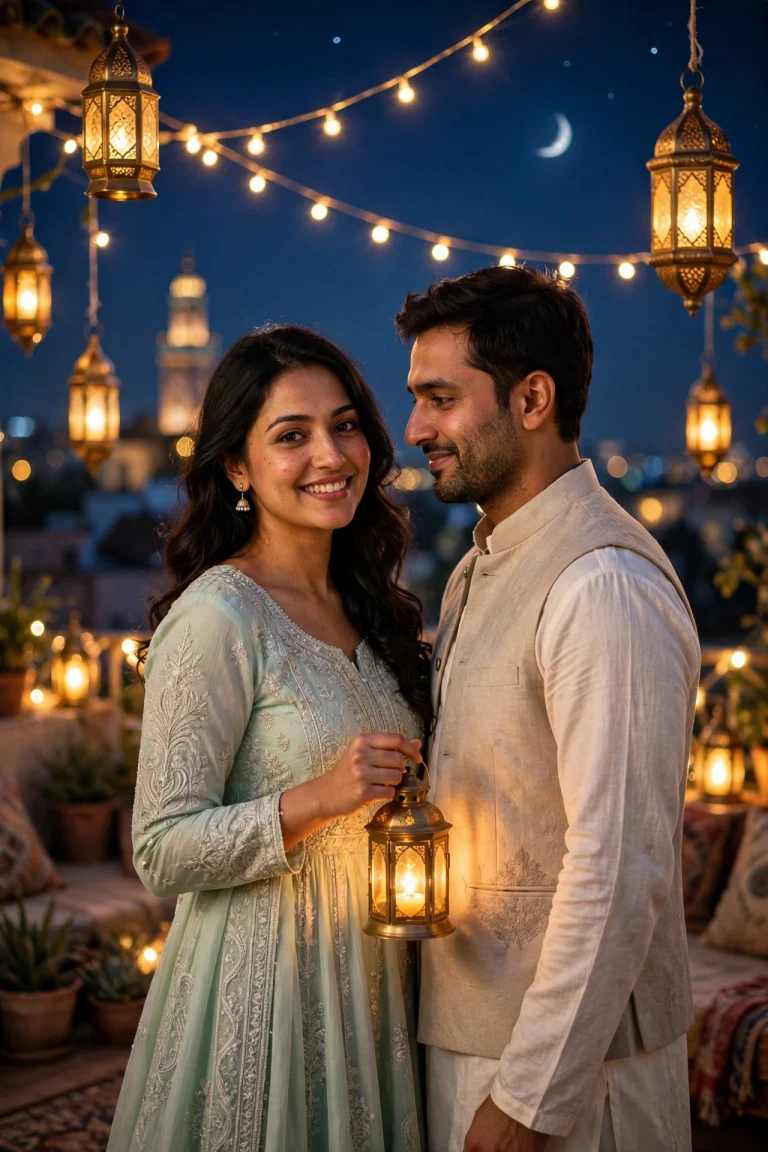
This prompt is written for one person. For couples, try our Eid night lanterns couple portrait instead — it is built to keep two faces consistent.
Want more? 👉 Explore the latest trending AI prompts on the Faymasin homepage.