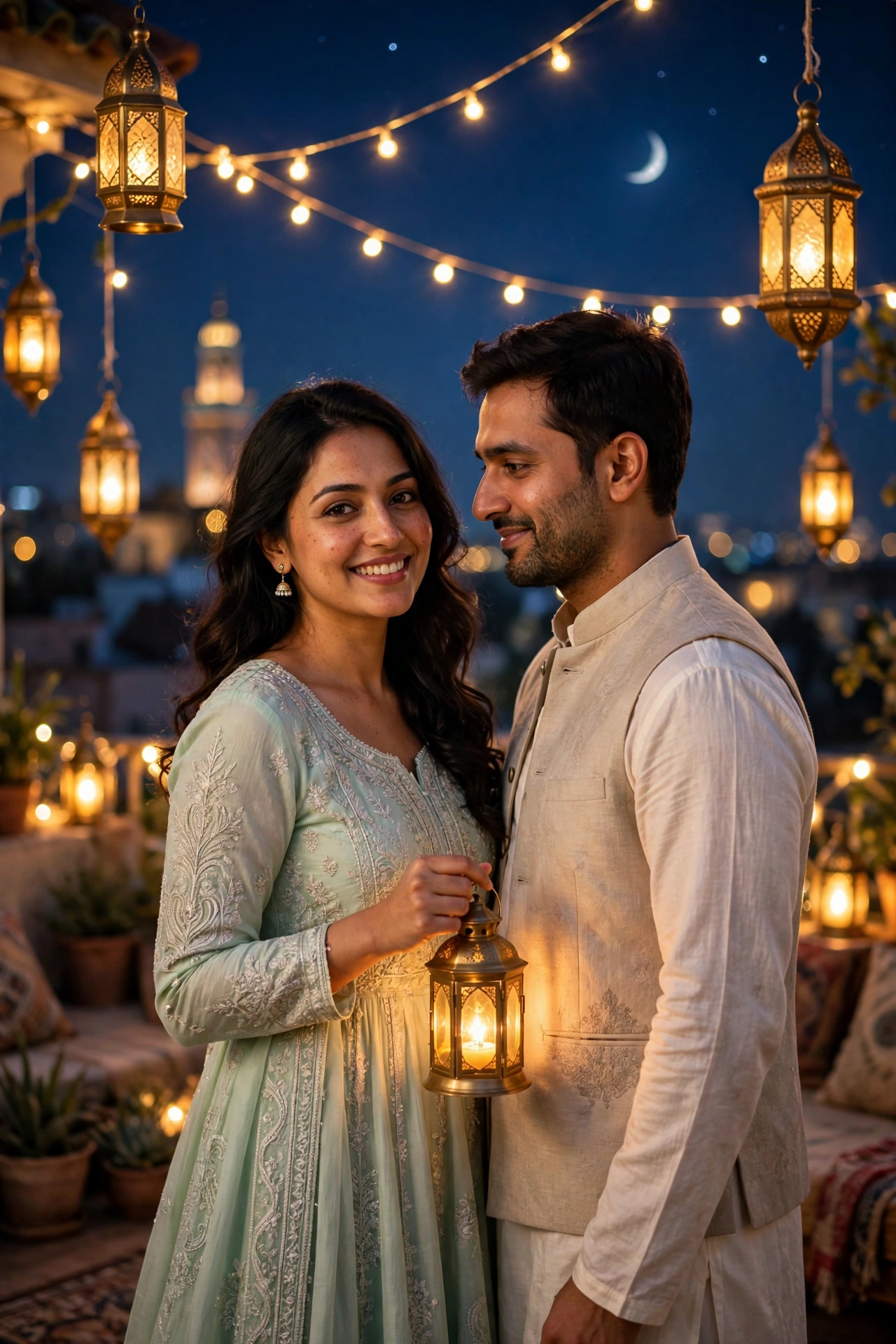
Eid Night Lanterns – Festive Couple Portrait
Eid photos should feel like Eid — warm light, new clothes, the people you love standing next to you. This prompt creates exactly that: a festive couple portrait on a decorated rooftop at night, glowing lanterns all around, a crescent moon in a deep blue sky. It is made for couples who want a beautiful Eid greeting photo without booking a photographer. Upload one photo of each person and the prompt keeps both faces consistent, dresses you in elegant traditional outfits, and sets the whole scene. Perfect for Eid Mubarak posts, WhatsApp greetings, or a framed print at home. It also works as a template for Diwali or Christmas if you swap the decorations. And if you want a solo royal look this festive season, the Mughal palace bridal portrait is stunning.
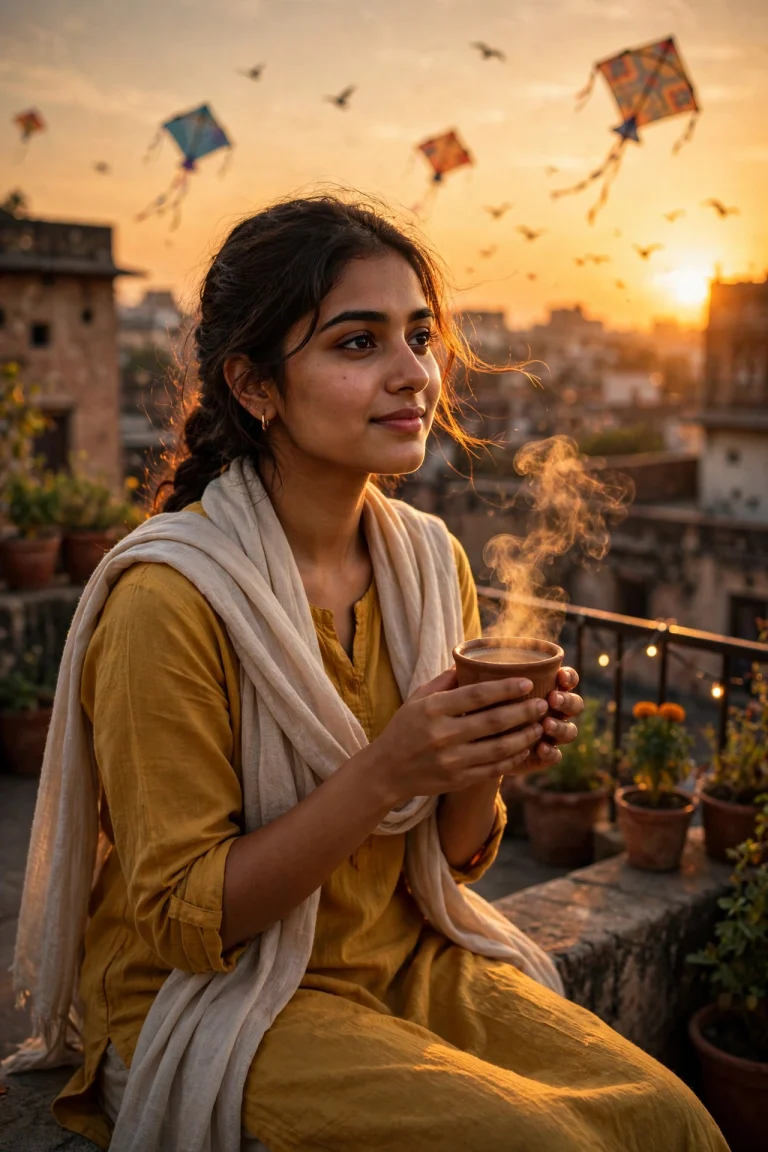
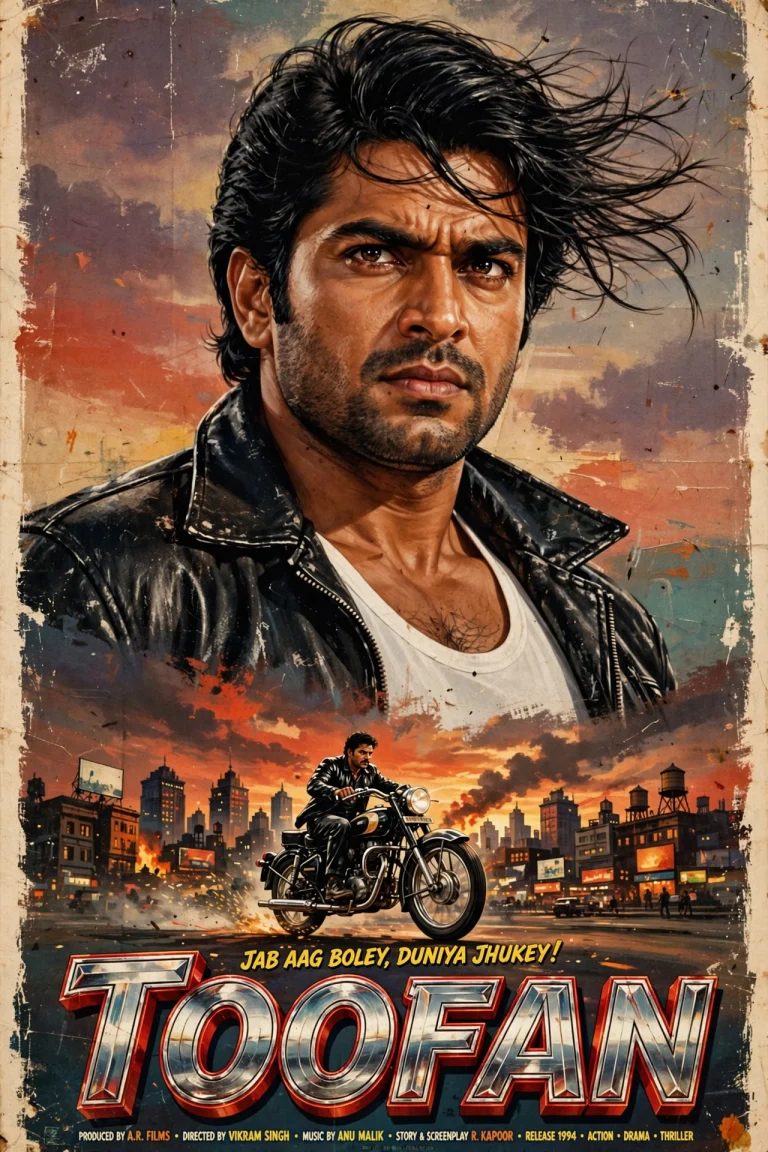
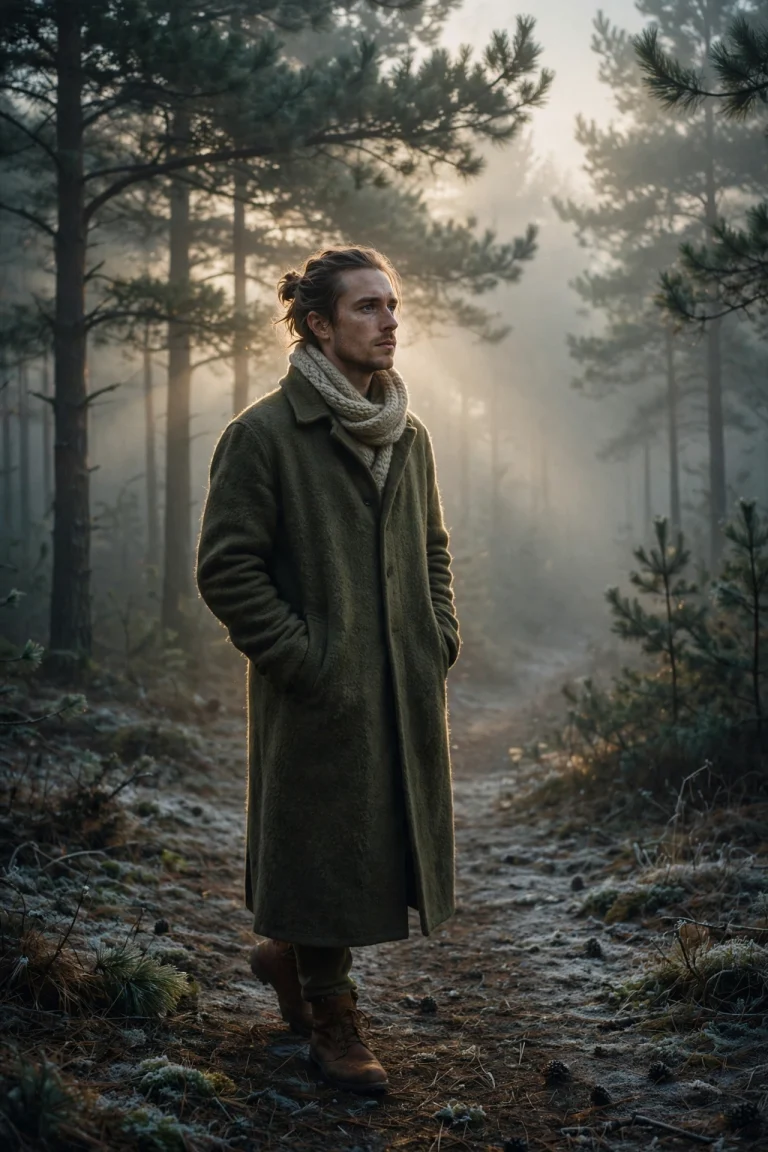
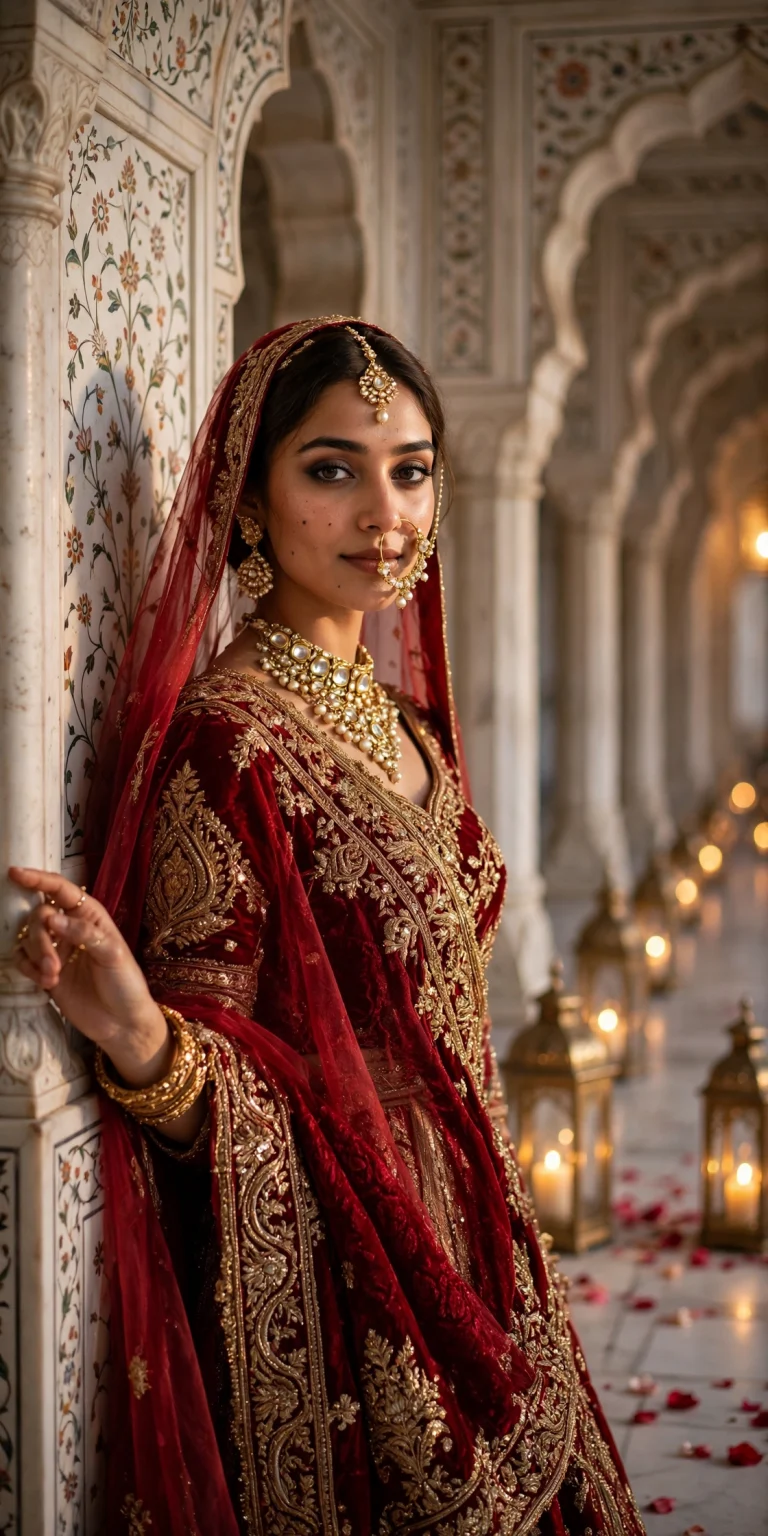
🖼️ Example Result
📋 Copy the Prompt
Use the two uploaded photos as the only identity references for the man and the woman. Keep both faces, skin tones and hairstyles exactly the same with strict facial consistency.

Create an ultra-realistic festive couple portrait (4:5) on a decorated rooftop on Eid night. The couple stands close together, the woman holding a small glowing brass lantern, the man looking at her with a gentle smile while she smiles at the camera.

Outfits: woman in an elegant pastel mint green anarkali with delicate silver embroidery and a matching dupatta, glass bangles on her wrists; man in an off-white kurta pajama with a light beige waistcoat.

Background: strings of warm fairy lights, hanging Moroccan lanterns, a thin crescent moon in a deep blue night sky, blurred city lights and a distant minaret silhouette.

Lighting: warm golden lantern glow on both faces, soft blue ambient light from the sky, gentle bokeh.

Camera: 50mm lens, f/1.8, eye-level, natural romantic framing.

Style: festive, warm and elegant, rich detail on fabric, natural skin texture, 4K. No text, no watermark.
🛠️ How to Use This Prompt
Using this prompt takes about three minutes — the only extra step is uploading two photos instead of one. Copy the prompt from the box above, then follow the walkthrough for your app.
On Google Gemini:
- Go to gemini.google.com or open the Gemini app and sign in with your Google account.
- Tap the + button and upload the man’s photo first, then the woman’s photo. Use clear, front-facing photos of each person — daylight, no sunglasses, faces fully visible.
- Paste the copied prompt into the chat box and hit send.
- Wait for the image to generate, then tap it to download the full-size portrait.
On ChatGPT:
- Open chat.openai.com or the ChatGPT app and sign in.
- Tap the + or paperclip button, upload both photos (man’s first, woman’s second), paste the prompt, and send.
Photo tips: The two input photos matter more than anything else. Use sharp, front-facing photos taken in similar lighting if you can. The AI matches each face to the person described in the prompt, so clear individual photos beat one blurry couple selfie.
If the faces mix up or look off: This is the most common issue with couple prompts. First, make sure you uploaded two separate photos in the right order. If a face still looks wrong, replace that person’s photo with a sharper, straight-on shot and regenerate. Adding “keep both faces exactly as in the reference photos” at the top can help too.
How to iterate: Change one line at a time. Swap the outfit colours to match your real Eid outfits, regenerate, and compare. Then try adding the “Eid Mubarak” calligraphy line. One change per generation shows you what each line does.
💡 Tips for Best Results
- Upload the man’s photo first and the woman’s photo second.
- Use clear front-facing photos for both people — similar lighting in both helps.
- Add “Eid Mubarak written in elegant gold calligraphy at the top” if you want a greeting card.
- Change the outfit colours to match your real Eid outfits.
- If one face looks off, regenerate with a sharper photo of that person.
- For a daytime Eid look, replace “Eid night” with “Eid morning” and “deep blue night sky” with “soft morning sky”.
✨ Why This Prompt Works
The trick in this prompt is that each person gets their own identity line and their own outfit description. That separation stops the AI from blending the two faces — the most common failure in couple portraits. Then the lighting does the emotional work: warm lantern glow on the faces against a cool blue night sky. That warm-versus-cool contrast is what makes festive night photos feel magical, and the bokeh from the fairy lights adds depth without pulling attention away from the couple.
❓ FAQs
Can I use a single couple photo?
Yes — write “use the uploaded couple photo as the identity reference for both people” instead of the first line.
Can I use this for Diwali or Christmas?
Yes, just change the decorations and outfits in the background and outfit lines.
What if I only have one photo of us together?
Upload the couple photo and replace the first line as described above. It works, though two separate photos give sharper faces.
The AI mixed up our faces. How do I fix it?
Use two separate, clear photos and keep the upload order: man’s photo first, woman’s second. Then regenerate.
Can I add “Eid Mubarak” text to the image?
Yes — add “Eid Mubarak written in elegant gold calligraphy at the top” to the style line. Keep the text short so the spelling stays correct. Prefer a casual vibe instead? Try the rooftop chai aesthetic.
Want more? 👉 Explore the latest trending AI prompts on the Faymasin homepage.